Struggling to open your EPF passbook? You’re not alone. Users often face issues like “Access Denied,” blank screens, or missing Member IDs—especially after recent updates or changes.
The good news: Most EPF passbook issues are temporary or fixable
This guide helps you:
- Identify why your passbook is not opening
- Fix login, OTP, and access issues
- Know when it’s a real problem vs a delay
Quick Answer: Why Your EPF Passbook Is Not Opening
- Recent password change → sync delay (6–24 hours)
- EPFO server downtime or maintenance
- Browser/cache issues
- KYC / PAN / Aadhaar mismatch
- The employer has not filed a contribution (ECR)
Most issues resolve quickly—but some require action.
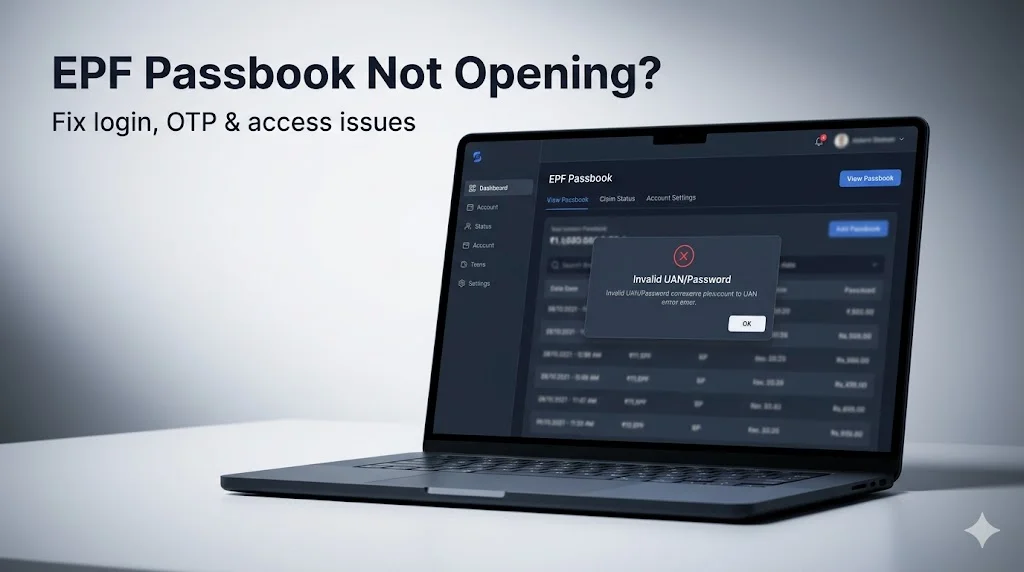
1. Common EPF Passbook Errors You Might See
If your passbook isn’t opening, you may encounter:
- “Invalid UAN / Password”
- “Access Denied”
- Blank screen after login
- Member ID not showing
- OTP not received
👉 These errors usually point to a specific underlying issue.
2. Why Your EPF Passbook Is Not Opening (Root Causes & Fixes)
does
1. Server Sync Delay (6–24 Hour Rule)
If you recently:
- Reset your password
- Activated your UAN
👉 Your passbook may not open immediately.
Why does this happen?:
The Employees' Provident Fund Organisation system uses separate platforms for login (UAN Member e-Sewa) and passbook data (ledger system). These systems do not sync instantly.
Updates like password changes or KYC corrections can take time to reflect across systems.
⏱ Fix: Wait 24 hours and try again.
2. EPFO Server Downtime or Maintenance
At times, the passbook portal may not load due to:
- System upgrades
- Monthly data processing (especially early month)
This is usually temporary.
3. Browser or Cache Issues
Sometimes the issue is local to your device.
Fix:
- Use Chrome or Firefox
- Try Incognito mode
- Clear browser cache
4. KYC / PAN / Aadhaar Issues
If your KYC details are incomplete or mismatched:
- Access may be restricted
- Passbook may not load
Quick Check: If your PAN is marked as “Inoperative” due to Aadhaar not being linked, EPFO services may not function correctly.
5. Employer Has Not Filed ECR
If your employer hasn’t filed monthly contributions:
- Your passbook may appear blank
This is a data issue—not a technical issue.
→ If your balance looks incorrect, refer to your EPF passbook interpretation guide.
6. Multiple Member IDs or UAN Issues
If:
- Your Member ID is missing
- You’ve changed jobs
👉 Your PF data may be split across multiple accounts.
→ Consider merging multiple UANs to consolidate access.
3. How to Fix EPF Passbook Not Opening (Step-by-Step)
Follow this sequence to resolve most issues:
Step 1: Wait 24 hours
If you recently changed your password or activated your UAN
Step 2: Try a different browser
Use Incognito mode or clear cache
Step 3: Check your KYC status
Ensure:
- Aadhaar is linked
- PAN is active
- Mobile number is updated
Step 4: Try alternate access
Use:
- UMANG app
- Member e-Sewa portal
Step 5: Verify employer contribution
Check if your employer has filed ECR
4. Still Not Working? When It’s a Real Issue
You should take action if:
- Passbook is not opening after 48 hours
- Member ID is missing
- Login errors persist
- Data mismatch across accounts
👉 In these cases:
- Contact your employer
- Raise a grievance on the EPFO portal
- Take expert help
Related EPF Issues You May Be Facing
- Want to check your EPF balance? → See EPF Balance Check Guide
- Passbook balance looks incorrect? → See How to Read EPF Passbook
- Want to withdraw PF? → See EPF Withdrawal Guide
- Multiple accounts? → See UAN Merge Guide
5. FAQs
Q. Why is my EPF passbook not opening today?
Access failures are typically caused by cross-server latency following a recent credential update or scheduled maintenance on the EPFO’s ledger database.
Technical Context: The EPFO utilizes decoupled environments for the UAN Member e-Sewa (profile management) and the Passbook Portal (financial records). If you have recently reset your password or activated your UAN, there is a mandatory 6-to-24-hour synchronization window required for your new credentials to migrate to the passbook server. If the error persists, it often indicates "System Stabilization" downtime, which frequently occurs during the first week of each month.
Q. Why is my Member ID not showing in the passbook portal?
A missing Member ID usually indicates either a failure in ECR filing by your employer or an unlinked account during a job transition.
Technical Context: For a Member ID to appear, your employer must have successfully filed at least one Electronic Challan-cum-Return (ECR). If you have recently changed jobs, the new Member ID may not be visible until the first contribution is reconciled. Additionally, if you have multiple UANs, your data may be fragmented; you must initiate a UAN consolidation to view all historical Member IDs under a single dashboard.
Q. Why am I not receiving the OTP for EPF passbook login?
OTP delivery failures are most commonly linked to a mismatch in the Aadhaar-seeded mobile number or high latency in the UIDAI authentication gateway.
Technical Context: The EPFO portal triggers an OTP only to the mobile number registered with UIDAI (Aadhaar), not necessarily the one you use for daily communication. Ensure your number is not blocked by DND (Do Not Disturb) settings and that your KYC status is marked as "Approved" in the Unified Portal. In 2026, gateway congestion is common during peak hours (10 AM – 2 PM IST); attempting login during off-peak hours often resolves the issue.
Q. How long does the EPF passbook take to update after a contribution?
While salary deductions happen monthly, the passbook typically updates within 5 to 7 days after the employer successfully deposits the funds and the EPFO processes the ECR.
Technical Context: There is a distinct difference between the Contribution Cycle and the Interest Credit Cycle. While monthly deposits reflect within a week of filing, the annual interest is calculated monthly but credited as a lump sum only after the financial year closing. If your passbook hasn't updated in over 45 days, it indicates a compliance lag on the employer’s end rather than a technical portal error.
Fix EPF Access & Data Issues
If your EPF passbook isn’t opening or showing correct data, the issue is usually linked to:
- KYC mismatches (Aadhaar, PAN, mobile)
- Missing employer contributions
- Multiple Member IDs or fragmented accounts
- Data sync delays across EPFO systems
At Kustodian, we help you:
- Verify Aadhaar–PAN–EPF linkage
- Identify and fix KYC issues
- Detect missing contributions
- Consolidate fragmented PF accounts
👉 If your access issues persist, don’t ignore them—these problems are fixable but time-sensitive.
Official Resources
Disclaimer: This article is for informational purposes only and does not constitute legal or financial advice. Rules may vary based on individual records.
PF Interest Loss Calculator
See how much interest you lose every month your claim sits unresolved.
![Why E-Khata Applications Get Rejected in Bangalore (And How to Fix Them) [2026]](/_next/image?url=https%3A%2F%2Fwebsite-assets-wix.s3.ap-south-1.amazonaws.com%2Fimages%2Fposts%2F3031ceb9f0274289aad5c5f140be716f.webp&w=828&q=75)