If you are holding NPS Form 601-PW, you likely already know you are eligible for a withdrawal. You aren't looking for a lecture on the rules; you’re looking for a way to get your money out without the bank rejecting your paperwork.
In 2026, while the NPS system is primarily digital, Form 601-PW remains the "Offline Escape Hatch" for subscribers facing Aadhaar mismatches, OTP failures, or frozen accounts.
1. When Should You Use NPS Form 601-PW?
In a "Digital First" India, why use a physical form? You should opt for Form 601-PW if:
- The "e-Sign" Loop: Your Aadhaar is not linked to your current mobile number, making online authentication impossible.
- System Errors: The CRA portal shows a "Technical Error" during your online request.
- POP Preference: You prefer handing over physical documents to your bank branch (Point of Presence) for a manual receipt.
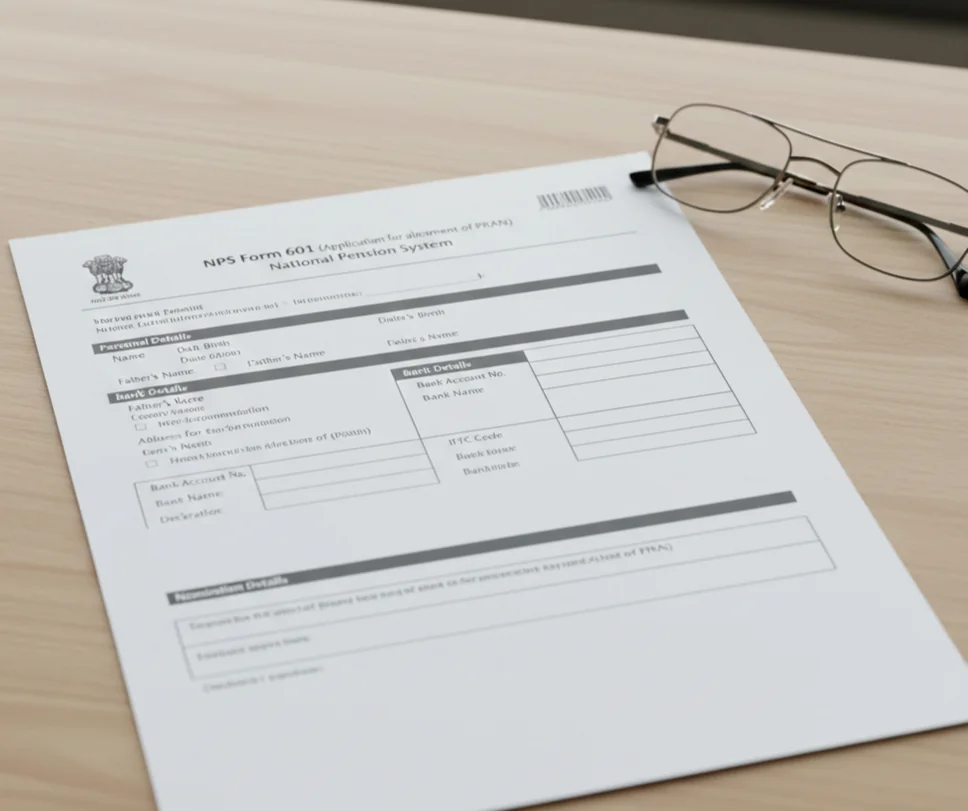
2. Mandatory 2026 Checklist
The #1 reason for "Pending at POP" delays is missing documentation. Ensure you have these ready:
- PRAN Card Copy: Clearly legible 12-digit number.
- Cancelled Cheque: Your name must be printed on the cheque. Hand-written names or "Account Holder" cheques are rejected by the CRA's automated Penny-Drop system.
- KYC Proof: A self-attested copy of your PAN and Aadhaar.
- The "Purpose" Proof: While many withdrawals are self-certified in 2026, keep medical certificates or admission letters ready if your POP requests them.
3. Step-by-Step: Filling Out Form 601-PW
Section A: Subscriber Details (The ID Match)
- PRAN: Enter all 12 digits. Verify twice; a single transposed digit (e.g., 65 instead of 56) will lead to a 14-day "Correction" cycle.
- Name: Write your name exactly as it appears on your PRAN card.
- Common Trap: If your PRAN says "Raj Kumar" and your Aadhaar says "Raj K. Kumar," the form might be accepted, but the bank credit will fail. Ensure your records match before submitting.
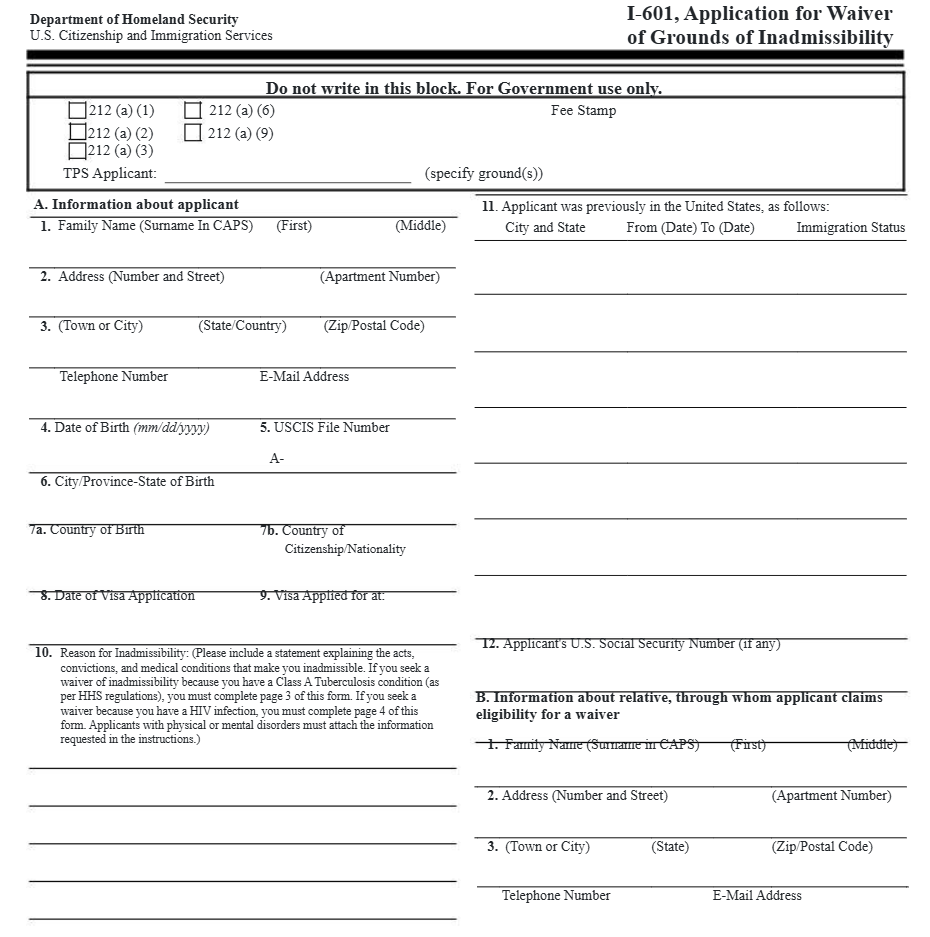
Section B: Withdrawal Purpose
In 2026, you must select one of the following boxes. Do not tick multiple reasons.
- Higher Education/Marriage: For your children.
- Residential House: Purchase or construction (only if you do not already own a home).
- Medical Treatment: For self or family (covers 13 specified critical illnesses).
- Skill Development: New provision—covers professional reskilling expenses.
Section C: Bank Account Details (The "Penny-Drop" Zone)
This is the most critical section. The CRA sends a ₹1 test credit via API to verify your account status.
- IFSC Code: Ensure you use the current IFSC. If your bank was part of a merger (e.g., HDFC, PNB, or Oriental Bank of Commerce), the old IFSC will cause a "Penny-Drop Failure."
- Account Status: The account must be active. If you haven't used the account in 6 months, deposit ₹100 to "warm it up" before submitting this form.
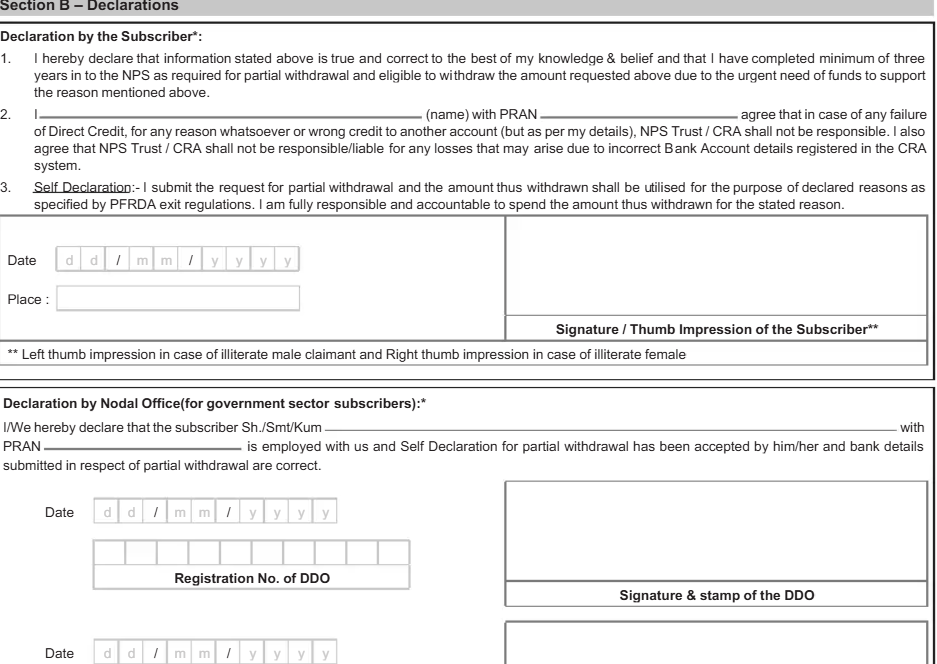
Section D: Subscriber Declaration
Sign the form exactly as you did when opening the NPS account. If your signature has changed over the years, you may need to update your signature via Form S2 first.
4. The Submission Process: Where to Go?
You cannot mail this form to the PFRDA directly. It must be submitted through your Intermediary:
- All Citizen/Corporate Model: Submit to your registered Point of Presence (POP) bank branch.
- Government Sector: Submit to your Nodal Office (DDO/PAO).
- e-NPS Subscribers: You can visit any authorized POP (like SBI, ICICI, or HDFC) to "shift" your PRAN to their branch for processing.
5. Why Your Form Might Get Rejected (Troubleshooting)
| Error Message | The Fix |
| "Pending at POP" | The bank has the form but hasn't entered it into the CRA system. Provide your 17-digit Acknowledgement Number to the branch manager. |
| "Penny-Drop Failed" | Your name in the bank records does not match your PRAN. Update your bank records or provide an "Affidavit of Name" to the POP. |
| "Frozen PRAN" | You missed your minimum annual contribution. Pay the ₹100 penalty + ₹500 contribution online before submitting Form 601-PW. |
6. Payout Timeline (2026 Estimates)
- Day 1-2: POP verifies and uploads the form to the CRA.
- Day 3: Penny-Drop verification takes place.
- Day 5-7: Funds are credited to your bank account (T+2 cycle after approval).
Still Stuck with the Paperwork?
Navigating bank bureaucracy for an NPS withdrawal can be exhausting, especially when branches refuse to accept physical forms.
At Kustodian, we act as your institutional coordinator. We track your "Pending at POP" requests, resolve "Penny-Drop" mismatches, and ensure your retirement corpus reaches you without the back-and-forth.
Explore how we help you unlock your NPS here.
7. When to Seek Expert Help for NPS Exit
While Form 601 is a DIY process, certain complex cases in 2026 require institutional coordination. You should seek professional assistance if:
- Sector Shift Conflicts: You moved from a Government job to a Private job, and your PRAN is still stuck in the "Nodal Office" architecture.
- Death Claims (Nominee Disputes): When the nominee is not updated, or the original nominee has also passed away.
- Dormant POPs: Your original bank branch has closed or merged, and no one is taking responsibility for the "POP Stamp."
- NRI Repatriation: Navigating the credit of funds into NRO/NRE accounts without violating FEMA guidelines.
If your NPS withdrawal has been "Pending at POP" for more than 15 days, don't wait. We can help you track the delay and coordinate with the CRA to unlock your funds.
If you've submitted Form 601 but the status hasn't moved for weeks, you don't have to keep visiting the bank. At Kustodian, we take the case off your plate. Learn how we handle institutional coordination for NPS exits here.
Frequently Asked Questions
- Is Form 601-PW for the full 60% lump sum?
No. This form is strictly for Partial Withdrawals. For the final exit at age 60, use Form 101-GS.
- Do I need a POP stamp?
Yes. If you are submitting offline, the bank officer must sign and stamp the acknowledgement section of the form. Do not leave the branch without your 17-digit receipt.
- Is there a fee for physical submission?
Some POPs may charge a small service fee for processing physical forms (ranging from ₹20 to ₹50 + GST).
- Is Form 601 mandatory?
It is required when a subscriber opts for physical POP-assisted submission or is unable to complete the online withdrawal process.
- Can I submit it online?
No. Form 601 is conditionally required only when the online CRA withdrawal or exit process cannot be completed or when the subscriber opts for the physical POP route.
- How long does processing take?
Once a correctly filled form is submitted, it typically takes 7–10 working days for the request to be processed and reflected in your account.
- Can mistakes be corrected?
Yes. If a form is rejected due to errors, you can correct the discrepancies and resubmit the form. Ensure all signatures match your records to avoid delays.
- Is the process different for NRIs?
NRIs must submit FATCA declarations. Withdrawal proceeds must be credited to an Indian bank account. For NRIs, this is typically an NRO account in accordance with FEMA guidelines.
Disclaimer: This article is for informational purposes only and does not constitute legal, tax, or financial advice. Withdrawal and exit processing under NPS is governed by regulations issued by the Pension Fund Regulatory and Development Authority (PFRDA) and operational guidelines issued by the CRA. Requirements may vary based on subscriber category, sector (All Citizen, Corporate, Government), and individual account status.